Scores may need to be synched in the Score History section.
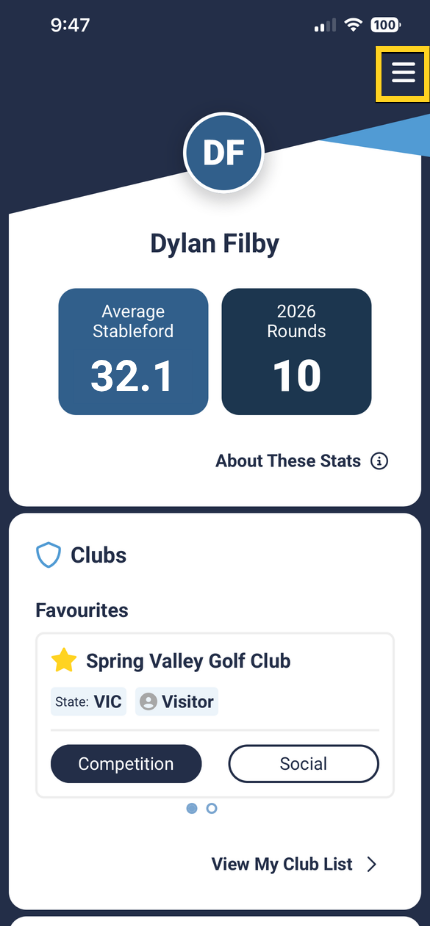
1. From the user dashboard, tap the three lines in the top right corner to access the 'Menu'.
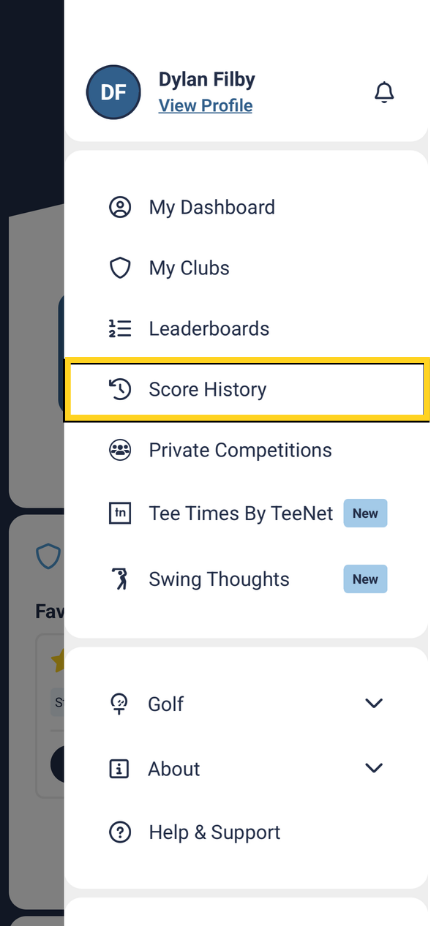
2. Tap on the 'Score History' section.
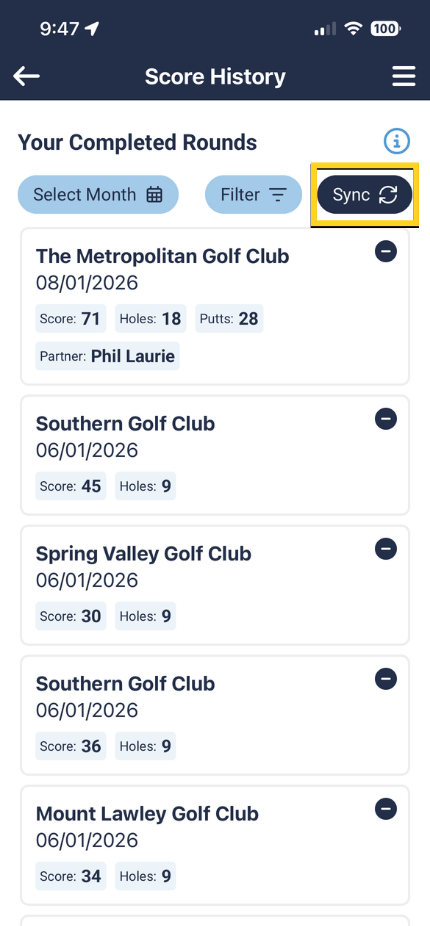
3. Then tap the 'Sync' button at the top of the page.
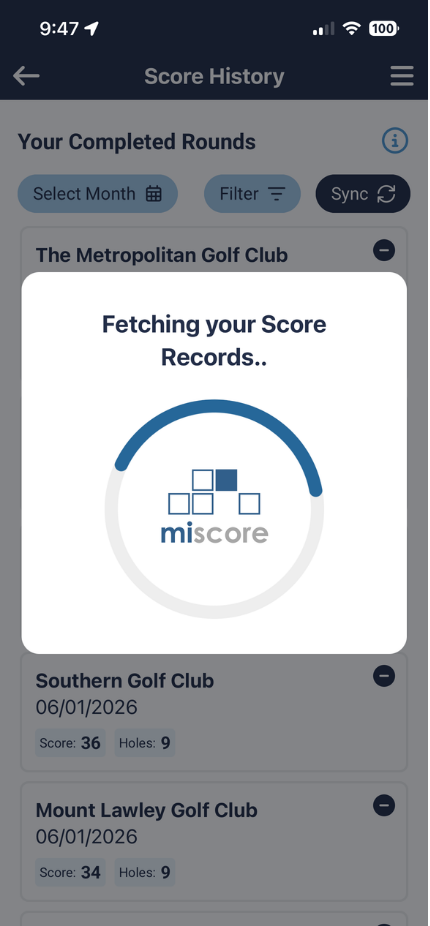
4. After waiting roughly 30 seconds for the process to complete, your scores should now all be accurate.
Visual Guide:
 |  |
 |  |
Was this article helpful?
That’s Great!
Thank you for your feedback
Sorry! We couldn't be helpful
Thank you for your feedback
Feedback sent
We appreciate your effort and will try to fix the article